

In this article
Grammar checkers are the most commonly used writing tool worldwide. But for non-native English speakers, a grammar checker that only catches what a native speaker would notice often misses the errors that actually matter.
ESL writers make different kinds of mistakes than native speakers. Understanding this difference helps you choose the right tool and use it more effectively.
What Grammar Checkers Catch Well
Grammar checkers reliably catch mechanical errors: spelling slips and common confusions like «their/there» or «affect/effect», missing or misplaced punctuation, subject-verb agreement, sentence fragments, and run-on sentences. These are the surface mistakes that any reader notices first, and most modern checkers handle them consistently across both native and non-native English writing.
Spelling errors. Misspelled words, typos, and common confusions like "their/there" or "affect/effect" are reliably caught by most grammar checkers.
Punctuation. Missing commas, incorrect semicolons, and period placement are mechanical errors that grammar checkers handle consistently.
Subject-verb agreement. Errors like "the team are working" (British) vs. "the team is working" (American) or "she don't know" are flagged reliably.
Basic sentence structure. Fragments, run-on sentences, and missing verbs are caught by most tools.
What Grammar Checkers Often Miss for ESL Writers
Where generic grammar checkers struggle is the ESL-specific layer. Article omission often passes because the sentence parses without the article. Preposition collocation errors slip through because each preposition is itself grammatical. Awkward but correct phrasing reads as natural to a checker. Register mismatches require social context the tool does not see.
Article omission. Dropping "the" or "a" entirely is one of the most common ESL errors, and many grammar checkers do not flag it consistently because the sentence can still be parsed without the article.
Preposition errors in collocations. Using "interested for" instead of "interested in" or "depend from" instead of "depend on" — these are among the hardest errors to catch because the grammar is technically valid, just the preposition choice is wrong.
Awkward but correct phrasing. A sentence can be grammatically perfect and still sound unnatural. Grammar checkers focus on correctness, not naturalness, which means translated text often passes grammar checks while still sounding stiff.
Register mismatches. Using overly formal language in casual contexts, or too casual language in academic writing. This requires understanding not just grammar rules but social context.
Using Grammar Feedback to Actually Learn
The most valuable thing a grammar checker can do for an ESL writer is not silently fix an error but explain why the correction is needed. Most non-native writers have a small set of recurring patterns — five to ten error types that account for most mistakes. Recognising those patterns matters more than fixing each instance.
The most valuable thing a grammar checker can do for an ESL writer is not just fix errors but explain them. When you understand why a correction was made, you are less likely to repeat the mistake.
Most ESL writers have a small set of recurring patterns — maybe five to ten error types that account for most of their mistakes. Identifying these patterns is more useful than fixing individual instances.
For example, if you consistently write "informations" instead of "information," understanding that English treats "information" as uncountable is more valuable than having the tool silently correct it each time.
Grammar Checking as One Step in the Workflow
Grammar correction works best as one step in a larger process, not the only step. Draft first and worry about meaning before grammar. Run the checker on the complete document, read the explanations, note any patterns repeating across paragraphs. Then use paraphrasing to lift sentences that are correct but still read as stiff or translated.
Grammar correction works best as one step in a larger process, not the only step.
Before grammar checking: draft your content and get your ideas organized. Worry about meaning first, grammar second.
During grammar checking: focus on corrections, read explanations, and note patterns you see repeating.
After grammar checking: use paraphrasing to improve sentences that are correct but do not sound natural. Grammar checkers make text right; paraphrasing makes text read well.
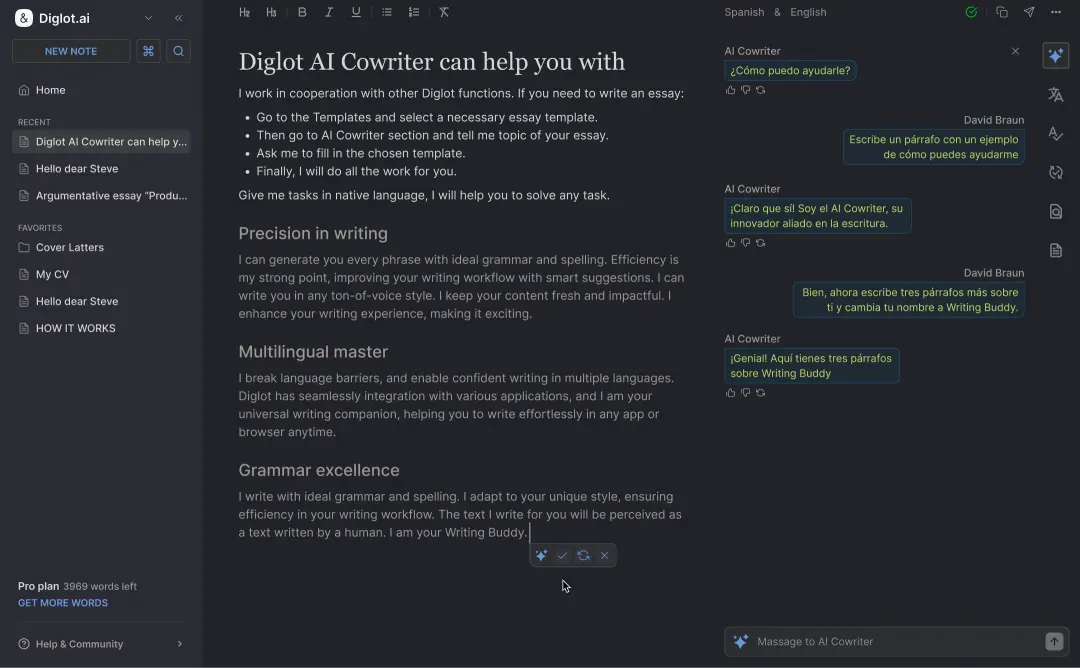
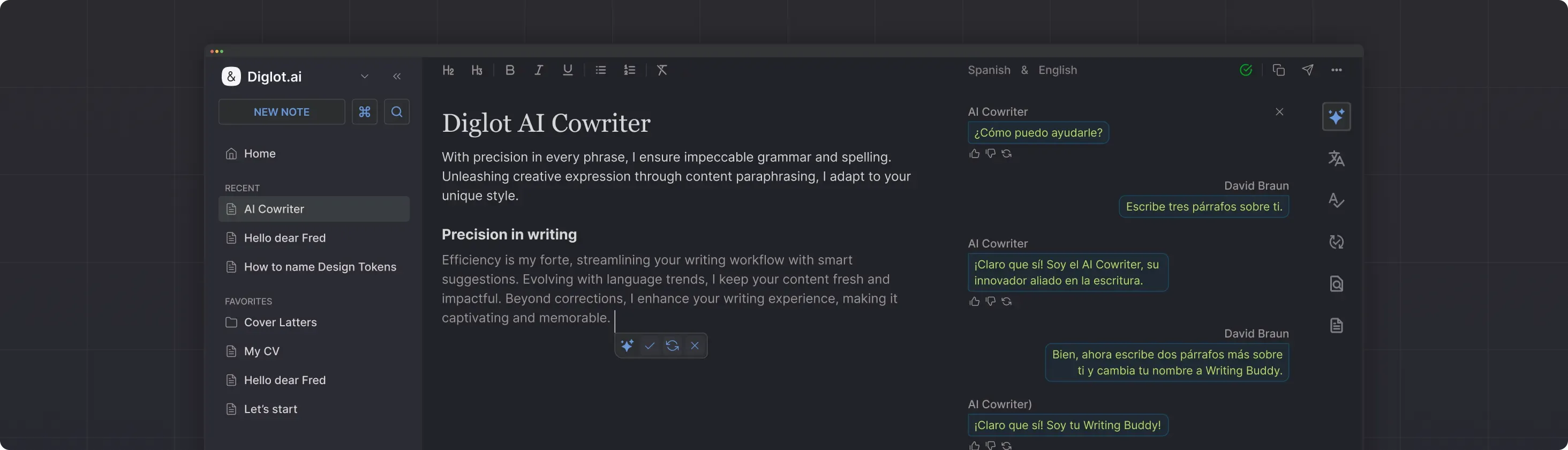
Diglot combines grammar checking with paraphrasing and translation in one workspace. This means you can correct grammar, then immediately improve phrasing, then verify originality — all in the same document without copying text between tools.
Getting Better Over Time
The goal is not to depend on a grammar checker forever but to use it as a learning tool that helps you internalise correct English patterns. Track your recurring errors. Before running the checker on a new document, scan for those patterns yourself. Each time you catch an error before the tool does, you are building real proficiency.
Track your recurring errors. Before running the checker on a new document, scan for those specific patterns yourself. Each time you catch an error before the tool does, you are building real English proficiency — not just producing correct text with assistance.
Try Diglot for free — grammar correction calibrated for non-native English speakers, with explanations that help you learn.