In this article
Grammarly is the default choice for many people searching for writing help. That makes sense: it is mature, widely integrated, and very good at catching grammar and style issues in English.
But that default breaks down for a specific audience: people who do not think in English first.
If you are an ESL writer, the question is not only whether the tool corrects English well. The real question is whether it helps you move from a rough idea, partial translation, or awkward draft into finished English without forcing you to stitch together three other tools.
Who each tool is really for
Grammarly fits writers who already operate in English and want broad cross-app correction, cleanup, and tone refinement. Diglot fits writers whose first language is not English and need help producing better English from the start. The split matters more than any single feature list, because the two tools answer different versions of «what is hard about writing in English».
Grammarly is best for writers who already operate in English and want correction, cleanup, and tone refinement across many apps. It is strongest when the sentence already exists and mostly needs polishing.
Diglot is built for writers who think in another language and need help producing better English from the start. It is strongest when the work includes drafting, translation, grammar review, and rewriting in one session.
That distinction matters more than any single feature checkbox.
Side-by-side comparison
The table below summarises how Grammarly and Diglot compare on the five areas ESL writers care about most: grammar and spelling coverage, bilingual workflow support, rewriting depth, integrations, and pricing logic. Each row reflects what changes for a non-native writer rather than a generic feature audit, since fit depends on the job-to-be-done not raw feature counts.
| Area | Grammarly | Diglot | Better fit for ESL writers |
|---|---|---|---|
| Grammar and spelling | Excellent correction and style coverage | Strong inline correction tied to the writing workflow | Grammarly for pure correction breadth |
| Bilingual workflow | English-first only | Built around bilingual drafting into English | Diglot |
| Rewriting | Suggestion-driven rewriting and tone help | Drafting, rewriting, and paraphrasing in one document | Diglot |
| Integrations | Strong extension and app footprint | Focused workspace experience | Grammarly for reach |
| Pricing logic | Pays off if you mostly want correction | Pays off if you want the full writing workflow | Depends on your job-to-be-done |
Grammar and spelling verdict
On raw grammar and spelling coverage, Grammarly is still stronger because the product has years of depth around punctuation, clarity, and tone across many contexts. Diglot matters more when correction is one stage of a longer job. ESL writers often hit awkward phrasing before a grammar pass is even useful, and L1-aware suggestions help with the patterns each language repeats.
Grammarly is still stronger if your main requirement is broad grammar coverage across many contexts. It has years of product depth around spelling, punctuation, clarity, tone, and cross-app editing.
Diglot matters more when correction is only one stage of the job. ESL writers often hit awkward phrasing, word choice, and structure issues before the sentence is polished enough for a grammar pass. In that situation, correction alone is not enough.
Verdict
Choose Grammarly if you mostly need a correction layer.
Choose Diglot if grammar review needs to stay attached to drafting and rewriting.
Bilingual workflow verdict
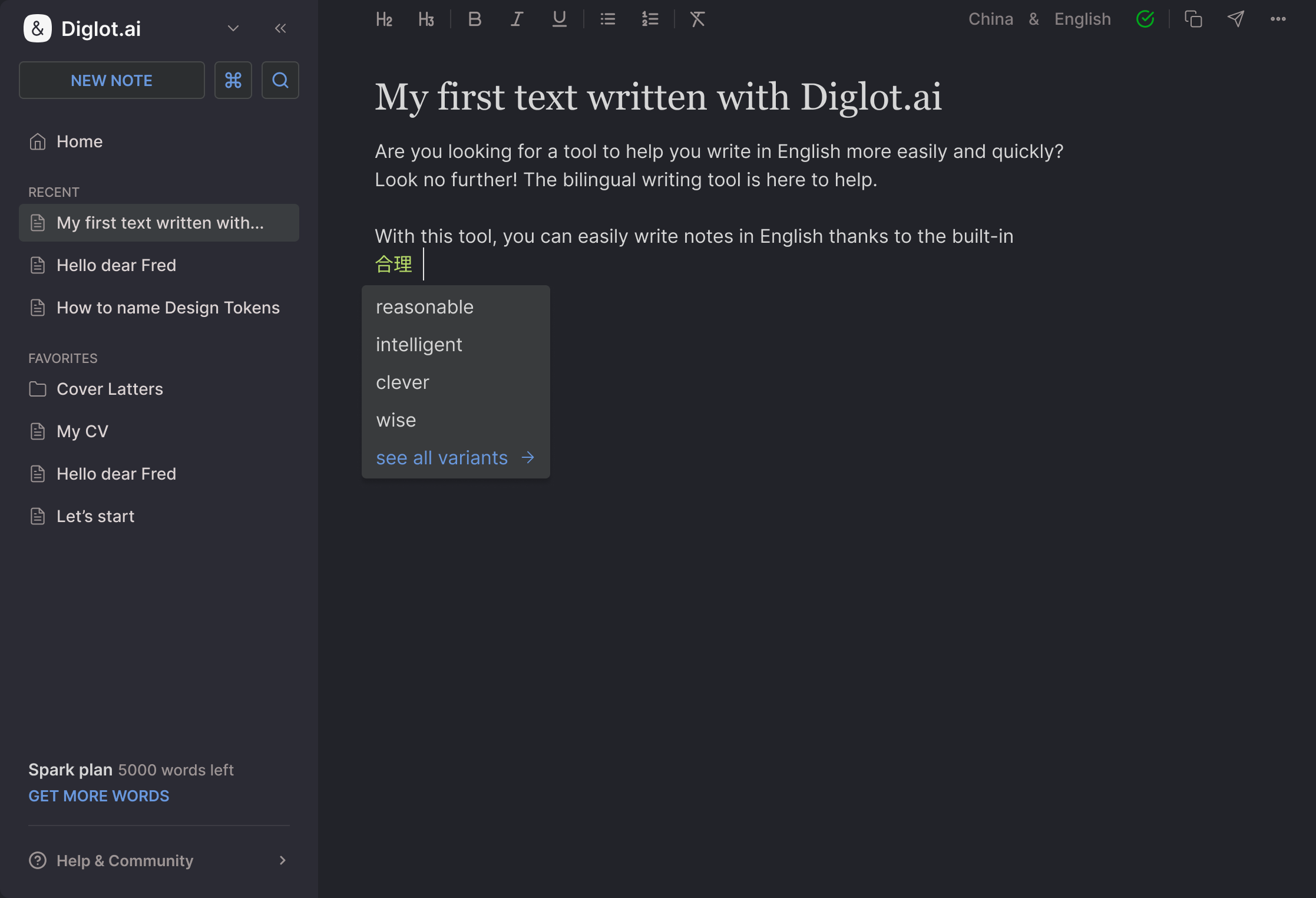
Bilingual workflow is the clearest separation between the two products. Grammarly assumes the draft already exists in English and improves what is on the page. Diglot is built for the moment before that — when the idea still lives in your first language or in a half-translated paragraph — and keeps translation, drafting, and grammar review inside one document.
This is the clearest separation between the products.
Grammarly assumes the draft is already in English. It can improve English text, but it does not help much with the earlier moment when the idea still lives in your native language or in half-translated documents.
Diglot is built for that exact transition. You can translate in context, keep the draft moving, and refine the English output without leaving the same workspace.
Verdict
For ESL writers who move between languages before landing on final English, Diglot is the better fit.
Rewriting and drafting verdict
For rewriting and drafting, Grammarly polishes what is already on the page — useful when the structure is mostly there. Diglot handles more of the earlier heavy lifting: extending ideas, reshaping awkward passages, and paraphrasing selected text while the document is still evolving. The difference matters when you know what you mean but not yet how to say it naturally.
Grammarly helps improve what is already on the page. That is useful when the structure is mostly there and you want clearer or more polished English.
Diglot does more of the earlier heavy lifting. It helps you keep drafting, extend ideas, reshape awkward passages, and paraphrase selected text while the document is still evolving.
This makes a difference for writers who know what they mean but do not yet know how to phrase it naturally in English.
Verdict
For polishing existing English, Grammarly is strong.
For building and rewriting English as you go, Diglot is more aligned with the ESL workflow.
Integrations verdict
On integrations, Grammarly wins ecosystem reach with mature browser extensions and embedded correction surfaces across many apps. Diglot wins depth inside one focused writing session. If your serious work happens inside a dedicated workspace, having translation, grammar, rewriting, and drafting together often beats wider app coverage with thinner per-app capability.
Grammarly wins on ecosystem reach. Browser extensions, app coverage, and embedded correction surfaces are part of its core value.
Diglot wins on depth inside one focused writing session. If your serious writing happens inside a dedicated workspace, having translation, grammar, rewriting, and drafting together can be more valuable than broader app coverage.
Verdict
Choose Grammarly if you want the product everywhere.
Choose Diglot if you want the writing session itself to become simpler.
Pricing and value verdict
Grammarly is easy to justify when you mostly need correction and tone help inside apps you already use. Diglot is easier to justify when one subscription removes a translator, paraphraser, grammar checker, and originality scanner that you would otherwise pay for separately. The value question is total friction removed per writing session, not raw monthly price.
Grammarly is easy to justify when you primarily need correction and tone help. Diglot is easier to justify when you would otherwise pay with time, tab-switching, and multiple tools to get from native-language documents to final English.
The value question is not only the monthly price. It is whether one subscription removes enough friction from your actual writing process.
Verdict
If your workflow is correction-first, Grammarly can be enough.
If your workflow is bilingual drafting into English, Diglot usually delivers more value per writing session.
Final recommendation
Choose Grammarly if you already write comfortably in English and mostly want broad grammar correction wherever you type. Choose Diglot if you are a non-native English speaker who wants help with the full path from rough idea to final English output, with translation, drafting, grammar review, paraphrasing, and originality verification connected inside one workspace.
Choose Grammarly if you already write comfortably in English and mostly want grammar correction everywhere.
Choose Diglot if you are a non-native English speaker who wants help with the full path from rough idea to final English output.
That includes:
- international students writing essays or reports
- professionals drafting emails, proposals, or client-facing documents
- bilingual creators publishing in English
- anyone who starts with a thought in one language and needs confident English at the end
If that sounds like your workflow, the better next step is not another correction layer. It is the workflow page that shows how drafting, rewriting, and polishing connect inside Diglot: See the AI Writing Assistant workflow.
Share