Skip to content
Your ideas, with a language review

Check the grammar in your own essay.

Bring a draft you wrote and review grammar and clarity suggestions in one editor. You decide what to change, while keeping responsibility for your argument and sources.

Review my draft

*Free account required · No credit card · Usage limits apply

Academic English Register Review grammar suggestions Free process record

Illustrative editor preview with sample text. Create an account to work on your own draft.

Your ideas, with a language review

A clearer revision of your own work

Use Diglot to review a paragraph, compare wording, and work through your draft. Follow your course rules on AI assistance and keep your instructor involved when you are unsure what is allowed.

Step 1

Start with your own essay

Bring a paragraph or draft into the editor. The goal is to review your language while you remain the author of the argument.

Step 2

Review each suggestion

Check grammar and explore clearer phrasing. Compare every change with what you meant to say, and keep the wording that fits.

Step 3

Keep a record as you write

For writing recorded in the Diglot web editor, you can export a signed process record. It cannot reconstruct earlier work, prove who wrote the text, or ensure acceptance by your institution.

Illustrative editing examples

Compare possible revisions to an academic draft

These prepared examples illustrate possible edits, not live results. Check the meaning and sources in your own work.

Before: Rough ESL Draft 45 words · Informal & Missing Articles

In this essay I will review the green spaces effect. Ferreira (2026) said that park is very good for people stress, and it is very important factor for health. But many studies have methodological problem because people choose greener places themselves.

⚠️ Informal essay opening ("In this essay I will review") ⚠️ Article omission ("park is very good") ⚠️ Weak attribution ("said that")
After: Diglot Academic Register 38 words · Scholarly rigor & APA

Access to urban green space is increasingly evaluated as a public-health variable rather than an amenity. Ferreira et al. (2026) demonstrated that proximity to maintained parkland significantly correlates with reduced psychological distress, though self-selection bias remains an empirical limitation.

✓ Scholarly passive/objective framing ✓ Correct academic vocabulary ("empirical limitation") ✓ Integrated APA citation formatting
Core Capabilities

Built around academic integrity and scholarly English

Review grammar, translation, and wording in your own academic draft.

01 Grammar & Clarity

Review the text you wrote

Start with your own paragraph, essay, or report. Review grammar and readability suggestions beside the draft, then decide which changes make your meaning clearer.

  • Check grammar and sentence-level wording
  • Review readability and wordiness in context
  • Keep or reject suggestions as you revise
Your draft · Your final decisions
Illustrative preview with sample text and metrics. Results depend on your document.
02 Translation

Compare a passage with your source

Translate a difficult passage without leaving your document. Check the suggested English against your source, especially names, numbers, and specialist terms.

  • Work with source text and translation together
  • Choose wording that fits your reader
  • Review the meaning before using a translation
Translation beside your draft
Illustrative translation preview. A displayed score is not a guarantee of accuracy.
03 Wording & Revision

Try another way to phrase your idea

Ask for a shorter sentence or a different tone, and compare the suggestion with what you wrote. AI suggestions can change meaning or introduce errors; you choose what belongs in the final draft.

  • Explore alternative wording in the editor
  • Check that facts and qualifications remain intact
  • Use only the assistance your course permits
Review before accepting a rewrite
Illustrative preview of AI assistance in the editor.
04 Writing Process Record Included on the Free plan

Keep a record as your next draft develops

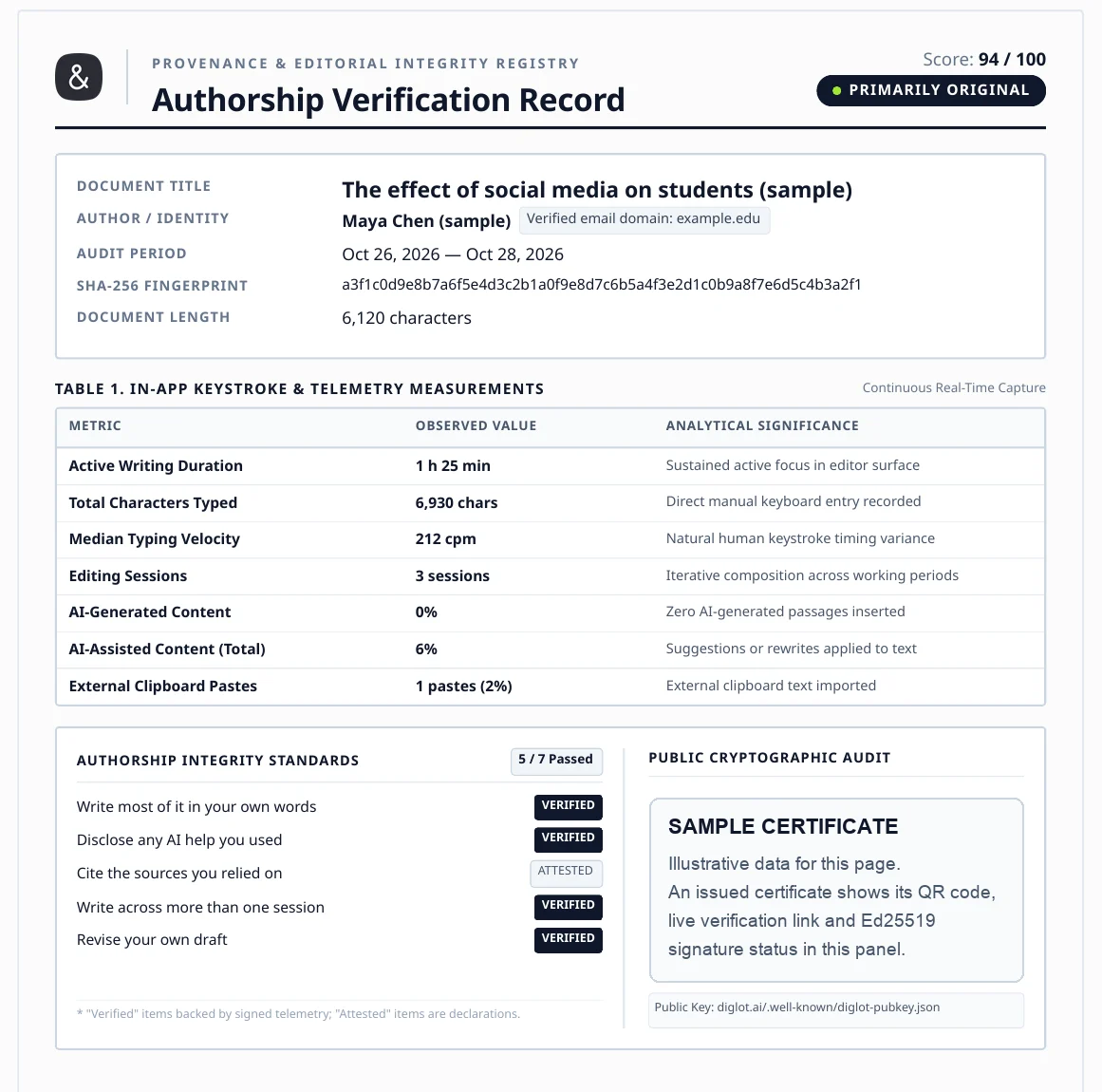
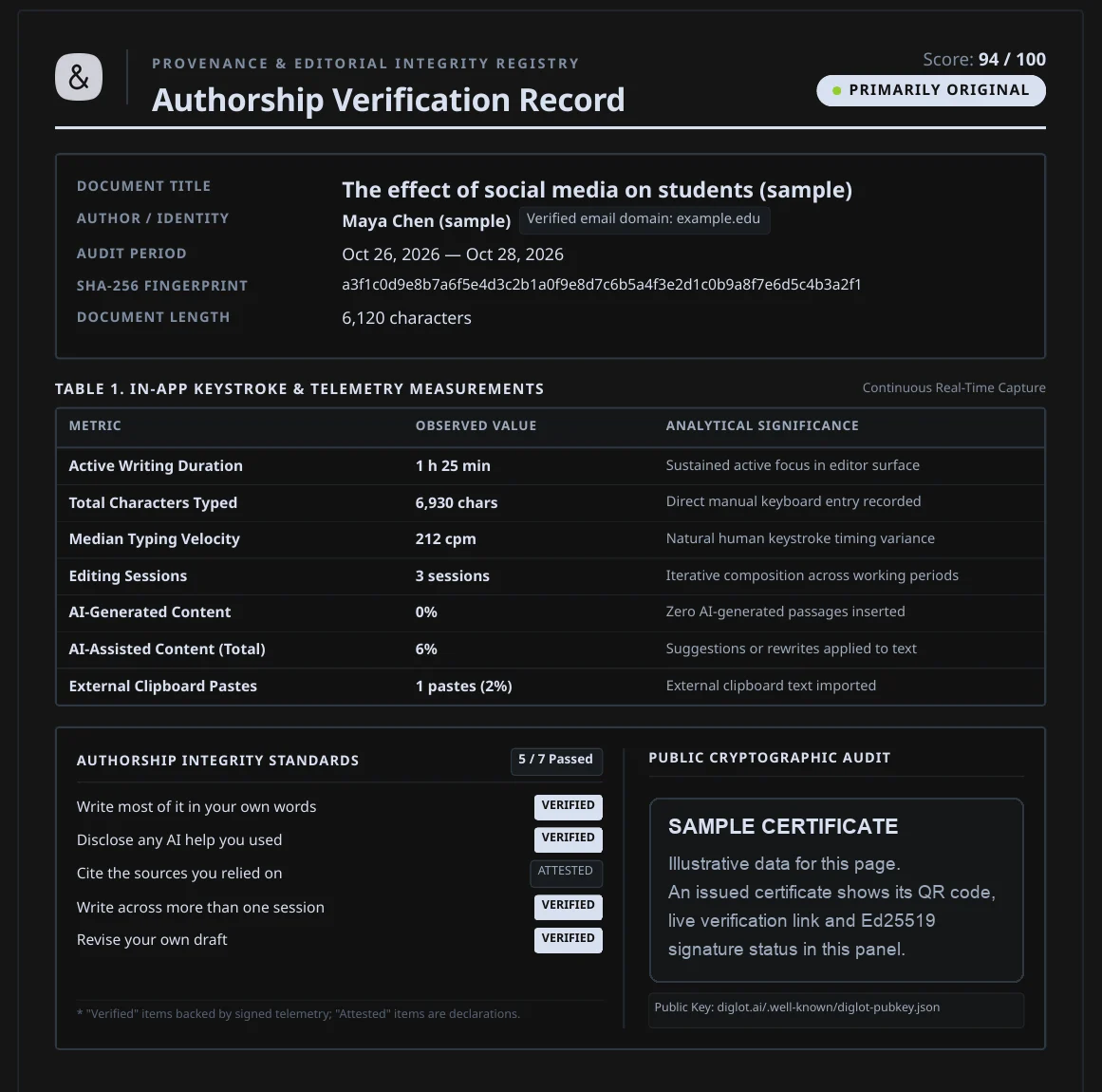
Enable authorship recording before writing in the Diglot web editor. Export a signed record of the activity it captures, with a verification link you can share.

  • Records captured writing activity; it cannot reconstruct earlier work
  • Certificate exports are included on every plan
  • Process evidence, not proof of identity, authorship, or originality
No guarantee of detector results or institutional acceptance
Illustrative example · Sample data

Diglot Writing Process Record

SAMPLE · No certificate issued

Example sessions 6
Illustrative data

Example research draft

Sample Writer Example account
Observation Window 6 days (May 12 – May 18, 2026)
Length & Scope 1,840 words · 12,450 characters
Content Hash (SHA-256) 7f83b16524fa9a01…c29b
In-App Keystroke & Telemetry Measurements Continuous Capture
Active Writing Time Sustained focus in editor
4h 38m
Direct Keystrokes Manual typing recorded
12,840 chars (96%)
Typing Velocity Recorded typing activity
215 cpm
Editing Sessions Iterative draft evolution
6 sessions
Accepted AI Assistance Disclosed grammar/vocabulary
12%
External Pastes Unrecorded bulk insertions
0 pastes (0%)

Illustrative process evidence

Issued certificates support ed25519 signature checks · Public key at diglot.ai/.well-known/diglot-pubkey.json

Sample preview — no public verification link
Illustrative example with sample data. Records activity captured in Diglot; not proof of authorship or originality. Recording must be enabled before writing.
Learn what a writing process record can and cannot establish on the Authorship Certificate page.
The Editing Flow

One connected workflow from raw draft to final deliverable

Move from bilingual rough ideas to polished English in one calm flow instead of stitching together separate tools.

Step 1

Bring your own essay

Create a free account and open a paragraph or draft you wrote.

Step 2

Review the language

Examine grammar and clarity suggestions in context.

Step 3

Choose each revision

Accept only changes that fit your meaning and the assistance your course allows.

Step 4

Check before submission

Review your argument, sources, and course requirements. A language tool does not validate them for you.

Who It’s For

Built for international students and academic researchers

Diglot works best when English is your academic publishing language, but your research begins in your native tongue.

Essays, assignments, and academic tone

International students

Move from rough documents to cleaner English submissions with structure, paraphrasing, and grammar review in one place.

Abstracts, papers, and citations

Researchers and graduate writers

Keep academic structure and wording quality in one workflow when your final output needs to sound precise and credible.

Content, landing pages, and articles

Bilingual creators

Turn ideas that start in your native language into natural English copy without bouncing between translation and rewrite tools.

Academic Integrity & Data Protection

Research confidentiality & authorship ethics

Your research papers, thesis chapters, and unpublished findings belong strictly to you.

Privacy First

Understand how your text is handled

Review the Privacy Policy for how Diglot and its service providers process your text, and use only material you are permitted to share.

Academic Integrity

Verifiable authorship process evidence

Diglot can export a signed record of activity captured in its web editor. It cannot reconstruct earlier work or guarantee authorship, originality, or institutional acceptance.

Editorial Review

Published by Diglot

Page updated September 26, 2026. Check your course requirements before using AI assistance.

Frequently asked questions

Everything you need to know before getting started.

Can I check an essay I have already written?

Yes. Bring your own essay into the editor to review grammar and wording. Imported text can be edited, but the authorship record cannot establish how that text was written before it entered Diglot.

Can Diglot help if English is my second language?

You can use grammar, translation, and rewriting together to compare English phrasing with your intended meaning. Review the suggestions carefully: automated tools can misunderstand your argument or specialist terms.

Does Diglot write the assignment for me?

This workflow starts with a draft you wrote and helps you review its language. Diglot also has AI drafting tools, so follow your course rules when deciding which assistance you may use. Do not submit generated work as your own.

Does Diglot replace instructor feedback?

No. Grammar suggestions cannot establish the quality of an argument, validate your sources, or determine the rules for an assignment. Your instructor and institution set those requirements.

Is there a free plan?

Yes. Create a free account without a credit card. Grammar, translation, and rewriting have usage limits; see the pricing page for current quotas. A paid upgrade is optional.

Does the certificate prove that I wrote an essay?

No. It is a signed record of activity captured in the Diglot web editor, not proof of who wrote the text. Recording must be enabled before writing. It does not guarantee how a detector or institution will assess your work.

Write in your language,
publish in English

Move from rough bilingual drafts to clearer English in one connected writing workflow.

Review my draft

*No credit card required

A grammar review is one step in revising an essay you wrote. Diglot lets you examine language suggestions, try clearer wording, and translate passages beside your draft. You decide which changes to accept.

Keep your argument, sources, and course requirements in view. AI suggestions can be inaccurate and a fluent sentence is not evidence that its claim is correct. Ask your instructor which tools are permitted and disclose assistance when required.

The Free plan offers limited grammar, translation, and rewriting usage. Create an account to start reviewing your draft, and see the pricing page for current quotas.